Business · Website repair
Hacked WordPress Website?
We can help fix it.
Tell us what you’re seeing. You don’t need to diagnose the problem first. Griffin repairs compromised WordPress business websites, including sites hosted elsewhere.
Standard repair — R699 once-off
If the site needs substantially more work, we’ll stop and discuss it with you first.
The website does not need to be hosted by Griffin.

Untangle the problem. Keep the next step clear.
Start the repair conversation
Tell us what your WordPress website is doing.
Share the symptoms you can see. You do not need to diagnose the problem first.
Do not include passwords, server credentials or payment details in this form.
A calm first step
A standard hacked WordPress repair.
A practical inspection, cleanup and stabilisation route for a reasonably recoverable website.
Inspect the WordPress installation
Remove malicious or altered content where practical
Repair damaged WordPress components
Restore normal operation where possible
Review obvious recurrence risks
Explain what was found
If the website needs a rebuild, major custom-code repair, extensive recovery or other substantial work, we’ll stop and discuss it before continuing.
Start with the symptom
Not sure if your website has been hacked?
Pick the sentence that sounds like your problem.
These are possible signs, not proof of malware.
What Griffin can help with
Repair the parts that matter.
We focus on practical WordPress recovery, not fear or jargon.
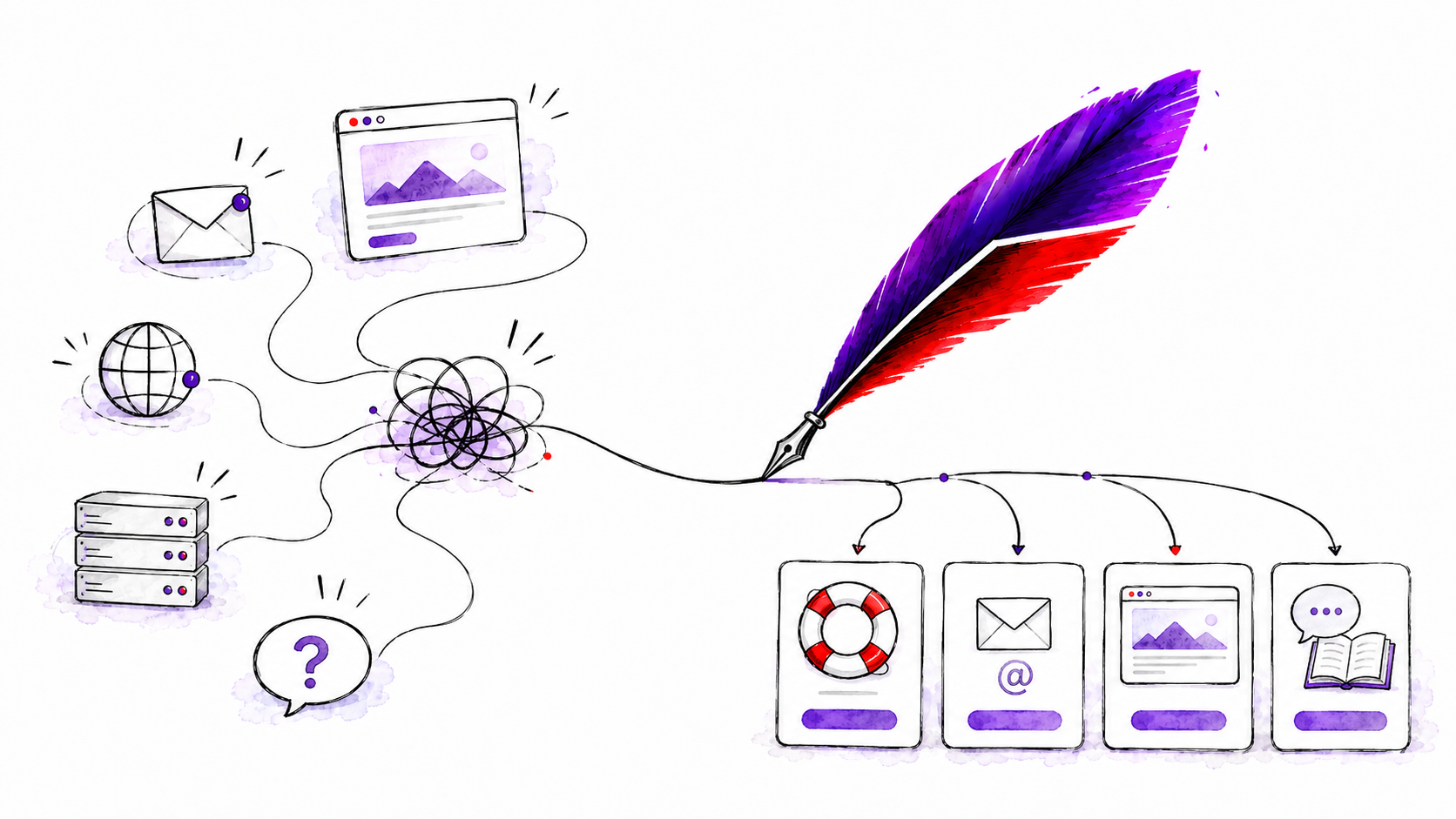
Compromised WordPress installations
Malicious or altered files and injected content
Malicious redirects
Damaged core files
Suspicious administrator accounts
Outdated or vulnerable components
Recovery from suitable clean files or backups
Basic stabilisation
How the repair works
Look at the symptoms, repair what is practical, address obvious recurrence risks, then tell you what was found.
A reassurance worth making clear
Hosted somewhere else?
That’s fine.
Your website does not need to be hosted by Griffin. If suitable access is available, we can repair WordPress websites hosted with third-party providers.
Repair does not require migration.
If the hosting environment itself is part of the problem, we can discuss migration separately.
Website HostingMove to GriffinKeep the site where it is.
First repair the current problem. Then decide what makes sense next.
Bring what you have
What might we need from you?
Share what you have available. Don’t have all of this? Contact us anyway.
WordPress administrator access
Hosting or control-panel access
FTP/SFTP access where available
Domain/DNS access if relevant
Malware or suspension notice
Recent backup information
We will explain what access is needed. Do not send passwords through this page.
After the repair
Once the site is working again.
Repair the current problem first. Then consider what makes sense next.
Stay where you are
Continue with the existing host if it remains suitable.
Improve the environment
Website Hosting or Move to Griffin are separate next steps.
Keep it maintained
Maintenance, monitoring and future cleanup are separate from repair.
A little help choosing your next sentence
Tell us what you’re seeing.
Share the clearest symptom you have and we’ll help work out the sensible next step.
No diagnosis required. No passwords requested here.
You might start with:
Secure handoff: we’ll explain what access is needed; do not send passwords through this page.
Keep the boundary clear
Repair fixes the current problem.
The standard repair is a once-off investigation, cleanup and stabilisation service.
Maintenance looks after the site over time.
Ongoing updates, monitoring, development and future cleanup are separate work.
Not every website problem is malware
If it’s a broader website issue, we can help with that too.
The Website Help route is the right place to start.
Website HelpQuestions, answered plainly
Frequently asked questions.
A clear next chapter for the website
Tell us what your WordPress website is doing.
You don’t need to diagnose it first.
Standard repair — R699 once-off
If the site needs substantially more work, we’ll stop and discuss it with you first.
Start My Website RepairTalk to usRepair what’s here. Decide what’s next.