Managed migrations
Move one.
Move several.
Move with confidence.
Bring one client today. Move the rest when it makes sense. We help plan and carry out the technical move while you remain the customer-facing partner.
Your customer deals with you. You deal with Griffin.

Your client. Your relationship.
You remain the normal customer-facing partner.
You decide what you charge.
Customer pricing remains part of your business relationship.
Understand first. Change second.
We assess the environment before changing anything important.
Start small. Grow progressively.
Move one client now and others when the timing makes sense.
Start with what you know
What are you trying to move?
Show us what you know. We’ll help map the rest. A move can involve one service or several separate pieces.
A managed approach
Understand first. Change second.
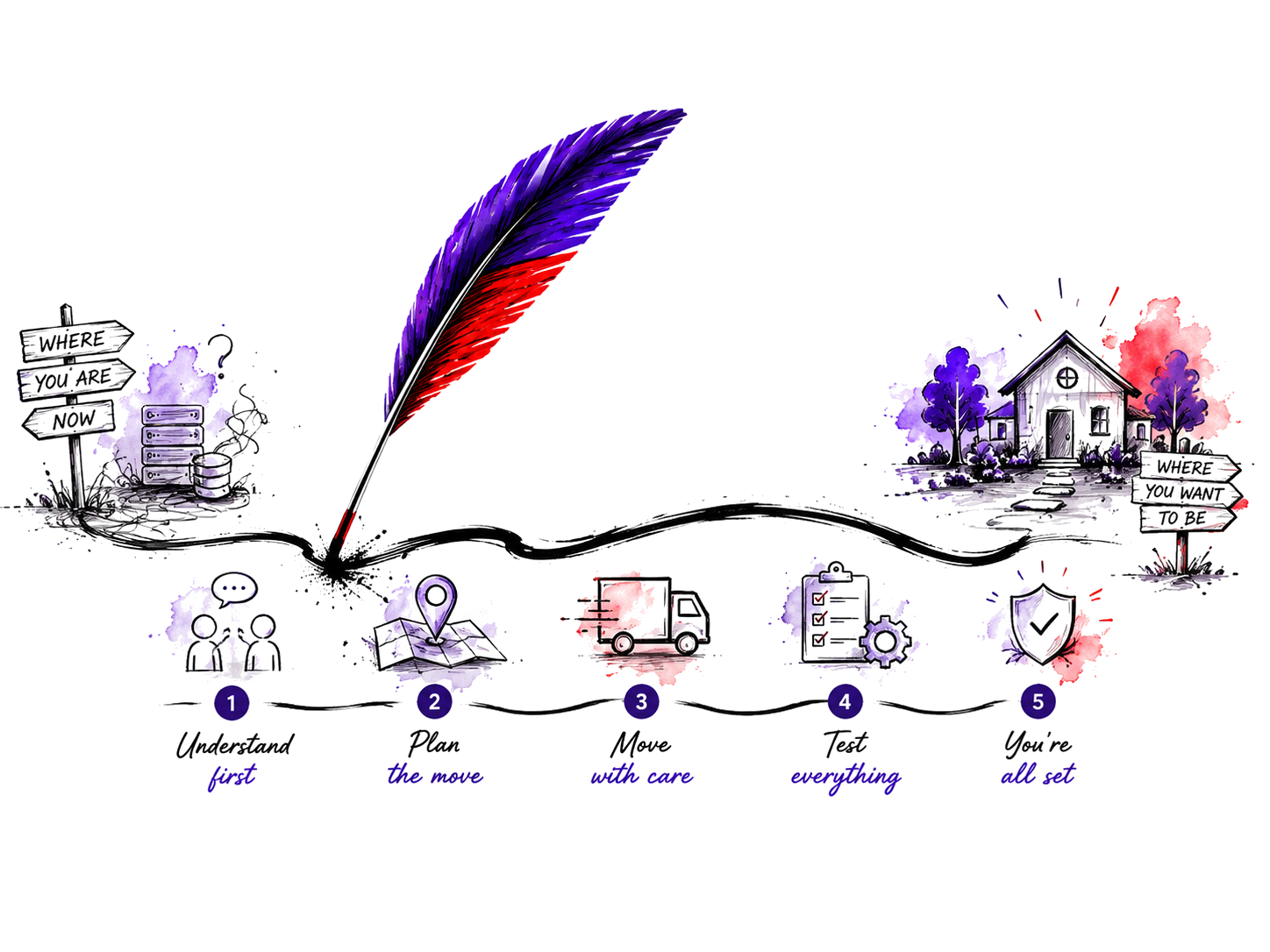
A managed migration starts before anything changes. The order helps make the work clearer without pretending every environment follows an identical procedure.
01 Show us what you have
Start with the known pieces.
02 Map the environment
Find the connections and gaps.
03 Protect what matters
Identify history and dependencies.
04 Plan the move
Choose what changes and when.
05 Move and reconnect
Carry out the agreed work.
06 Check the loose ends
Settle what remains.
Progressive movement
Start with one client. Move more when it makes sense.
A new client, a problem account, a renewal, a rebuild or a small aligned batch can all be sensible starting points. You do not need to move a whole portfolio at once.
See the hosting layer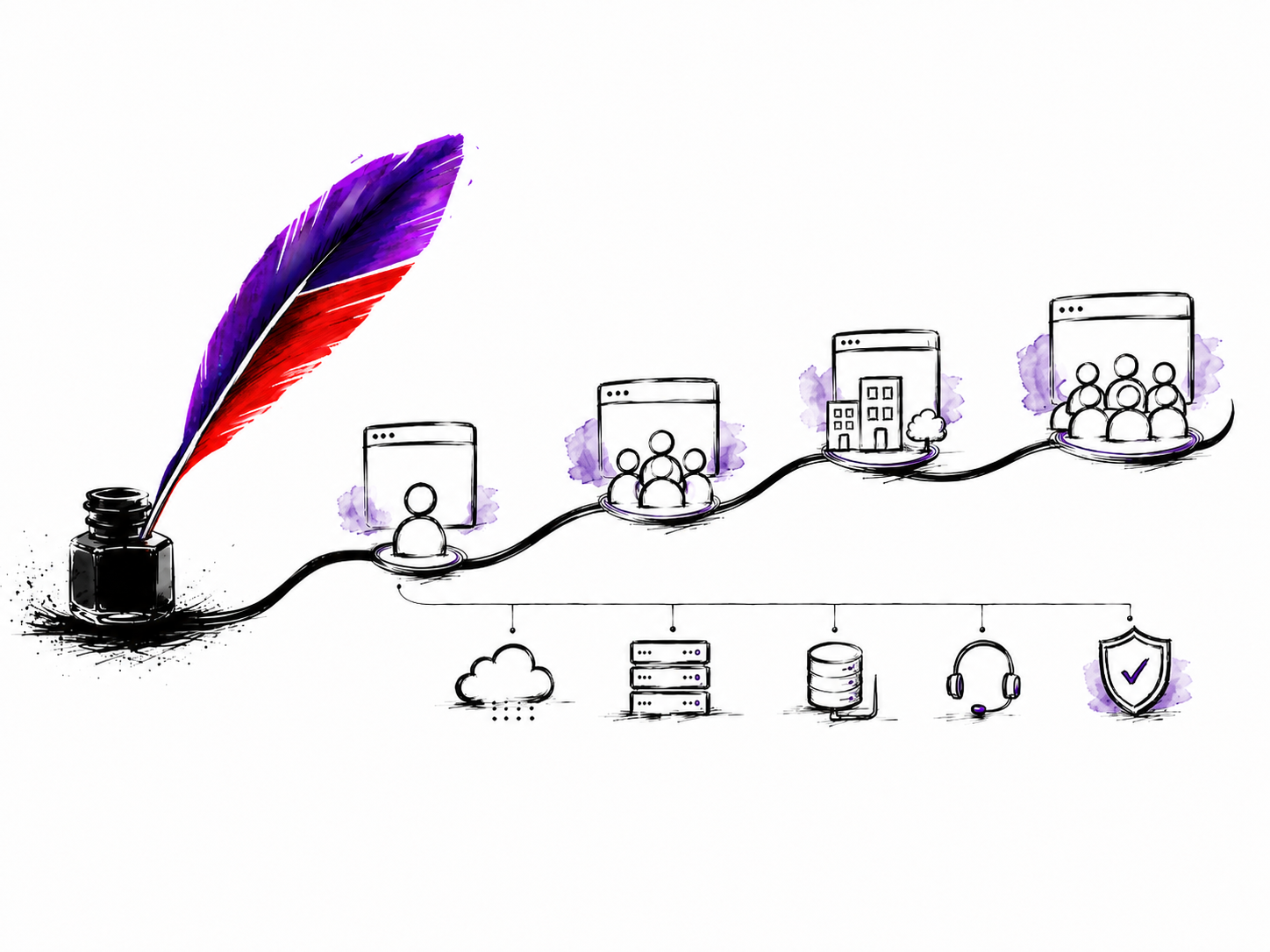
The details that matter
We only move the pieces that actually need moving.
Website hosting, email, DNS/nameservers and domain management may change independently. We map the environment before deciding what belongs in the move.
Old mail only on the customer’s computer?
Tell us before the move. Some older POP arrangements keep historical messages on the device rather than on the server, so that history needs explicit consideration.
Domain there. Email somewhere else. Website somewhere else again?
Start with what you know. Fragmented environments are normal; we’ll help map them calmly.

Start with the information you have
Have the access details? Good. Missing some? Start anyway.
Access may be needed later, but the first step is mapping the environment. Never put passwords or sensitive credentials into an ordinary public field.
Choose a sensible first move
Which client makes sense to move first?
Tell us what needs moving, what you already know and when the change matters. We’ll start with a practical conversation.